Automated Screenshots
Capture product screenshots automatically so docs and marketing visuals stay current.
screenshotagent.com/projectsV12
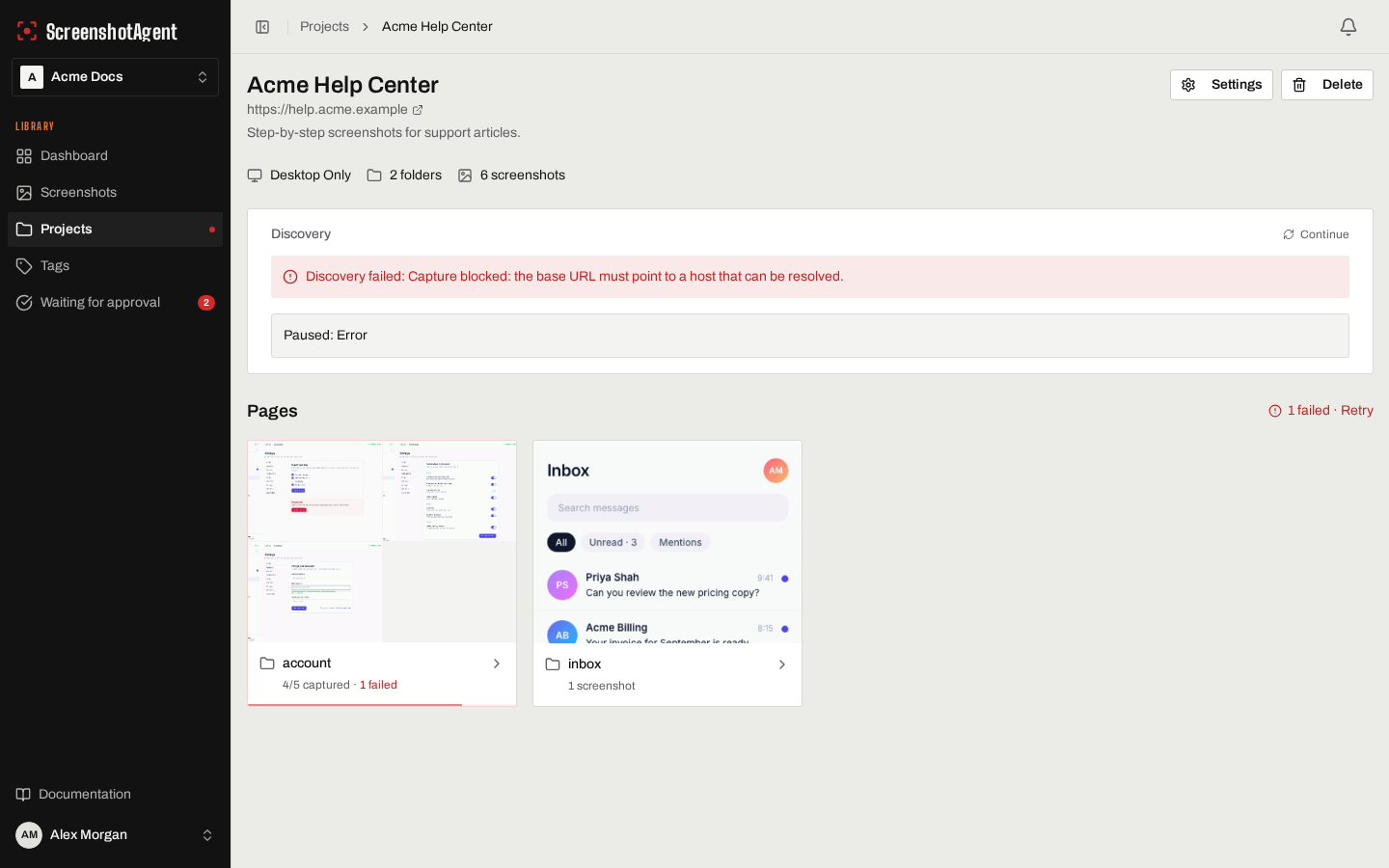
Auto-updatingCaptured Nov 22, 2026
The problem
Manual screenshot updates create stale docs and inconsistent product visuals across teams.
How ScreenshotAgent solves it
ScreenshotAgent continuously captures and refreshes screenshots using repeatable workflows.
Expected outcomes
- Eliminate manual screenshot recapture work.
- Reduce stale visuals in docs and help centers.
- Keep marketing screenshots aligned with the latest UI.
FAQ
- Can automated screenshots replace manual updates?
- Yes. ScreenshotAgent recapture workflows are designed to remove routine manual screenshot tasks.
- Do automated screenshots work for docs and marketing together?
- Yes. One capture workflow can power both documentation and marketing channels through stable URLs.
Related features
- AI AnnotationsCircle, highlight, or point at the part of a screenshot that matters. AI finds it, we draw on top, and your screenshot's pixels are never changed.
- Screenshots of Modals, Dropdowns and TabsAutomatically capture the open modal, the expanded dropdown and each tab of your web app for your documentation, and recapture them when your UI changes. Describe the clicks in plain words. No Playwright scripts to write or maintain.
- Searchable Screenshot LibraryEvery screen of your product that you have captured, in one library the whole team can search by meaning, not just keywords. Find a screen by what it shows, kept current on a schedule or after each deploy, with no extra cost per seat.
Automate this workflow in your team
Start a free trial and connect your first project to see ScreenshotAgent capture and keep pages fresh.
Start free trial14-day trial · 5 captures free · No card required