Screenshot Versioning
Track screenshot history and serve the latest or pinned versions from stable URLs.
screenshotagent.com/screenshotsV5
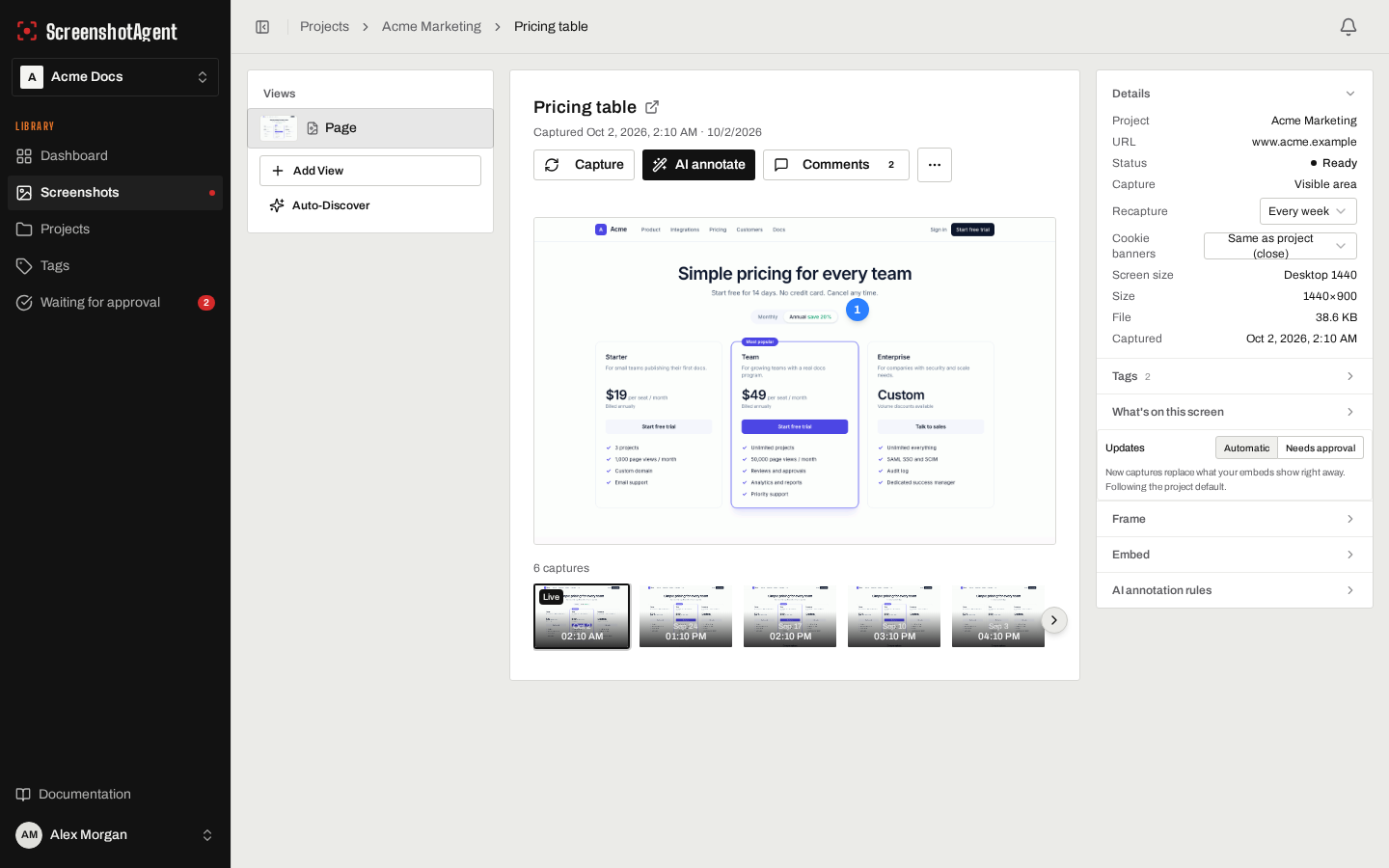
Auto-updatingCaptured Oct 10, 2026
The problem
Version drift and broken image references make it hard to trust screenshots over time.
How ScreenshotAgent solves it
Every capture is versioned and can be approved, pinned, or rolled forward through stable links.
Expected outcomes
- Audit trail for visual changes.
- Pinned versions for release-specific docs.
- Stable embed URLs that do not break.
FAQ
- Can we lock screenshots for release documentation?
- Yes. Pin a specific version when you need visuals frozen for a release period.
- Do stable URLs break after new captures?
- No. Stable URLs keep working and serve the latest capture, or the version you approved if you turned on approval.
Related features
- AI AnnotationsCircle, highlight, or point at the part of a screenshot that matters. AI finds it, we draw on top, and your screenshot's pixels are never changed.
- Searchable Screenshot LibraryEvery screen of your product that you have captured, in one library the whole team can search by meaning, not just keywords. Find a screen by what it shows, kept current on a schedule or after each deploy, with no extra cost per seat.
- Automated ScreenshotsCapture product screenshots automatically so docs and marketing visuals stay current.
Automate this workflow in your team
Start a free trial and connect your first project to see ScreenshotAgent capture and keep pages fresh.
Start free trial14-day trial · 5 captures free · No card required